 RoyaleWind
Themes
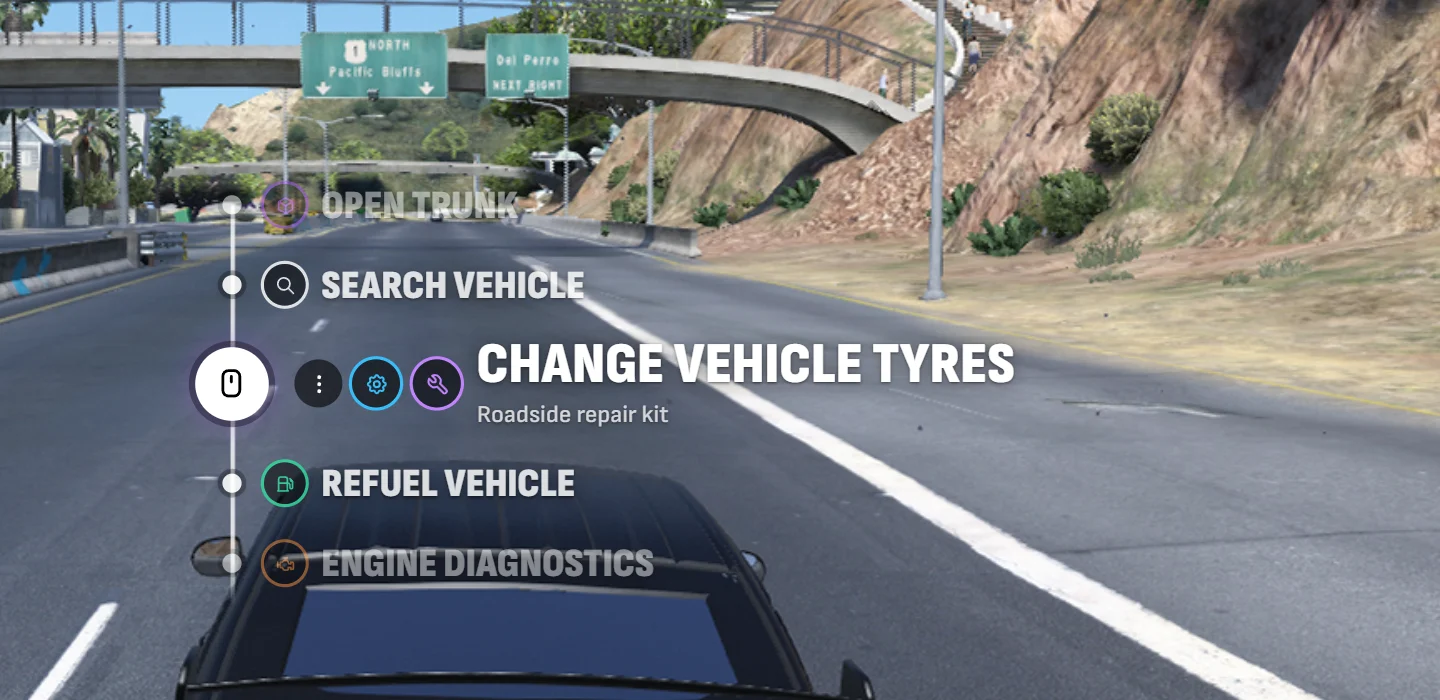
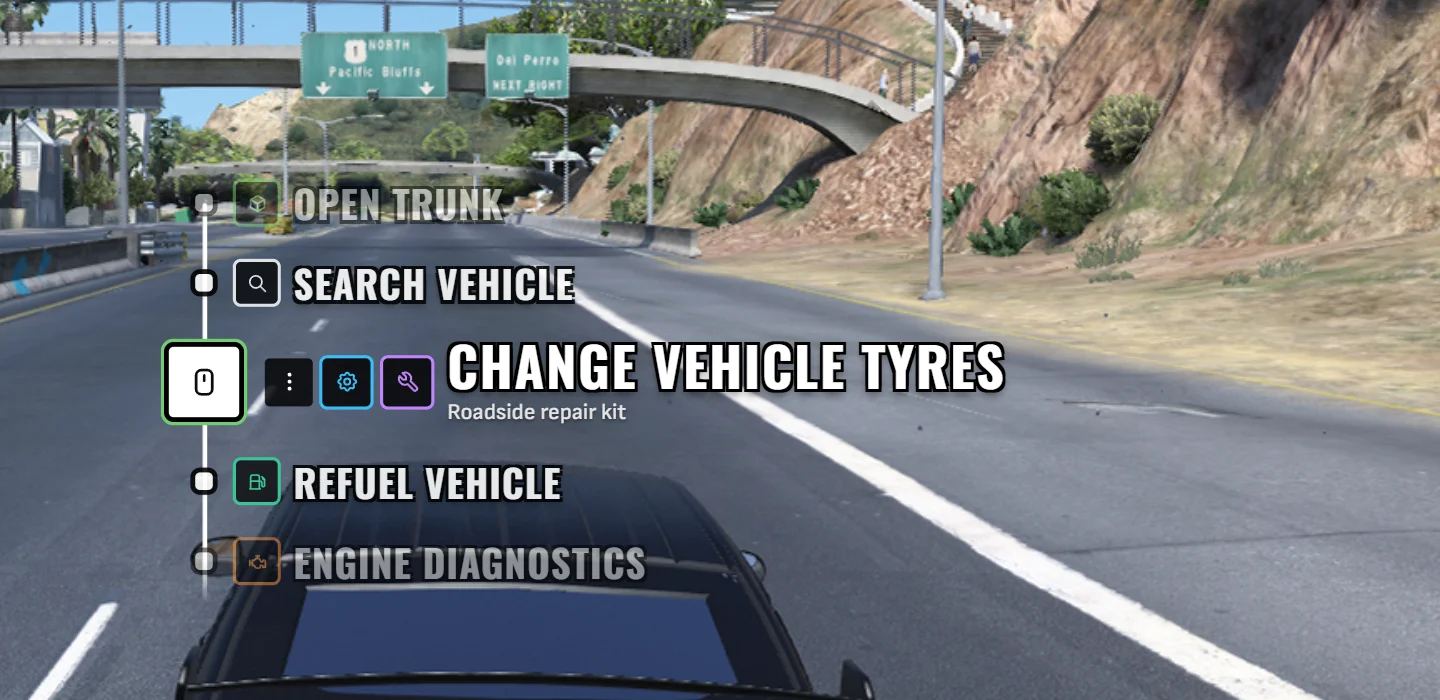
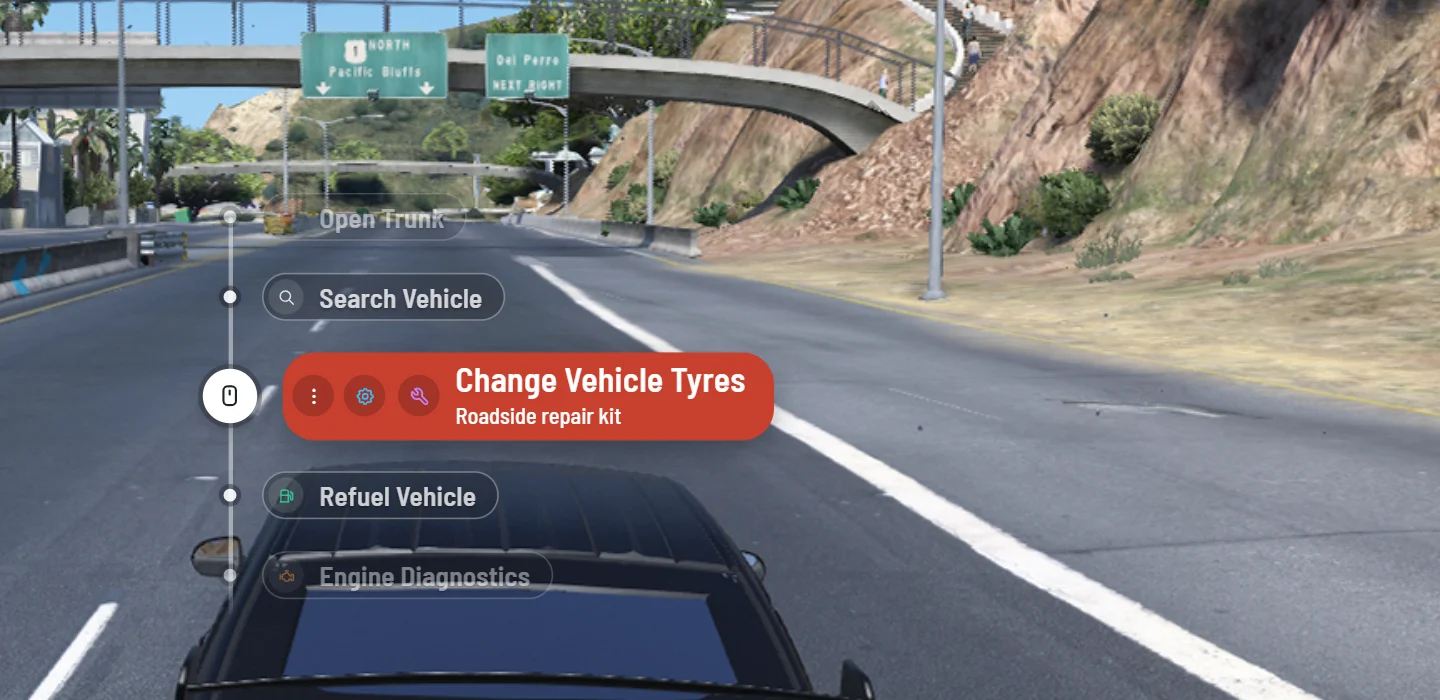
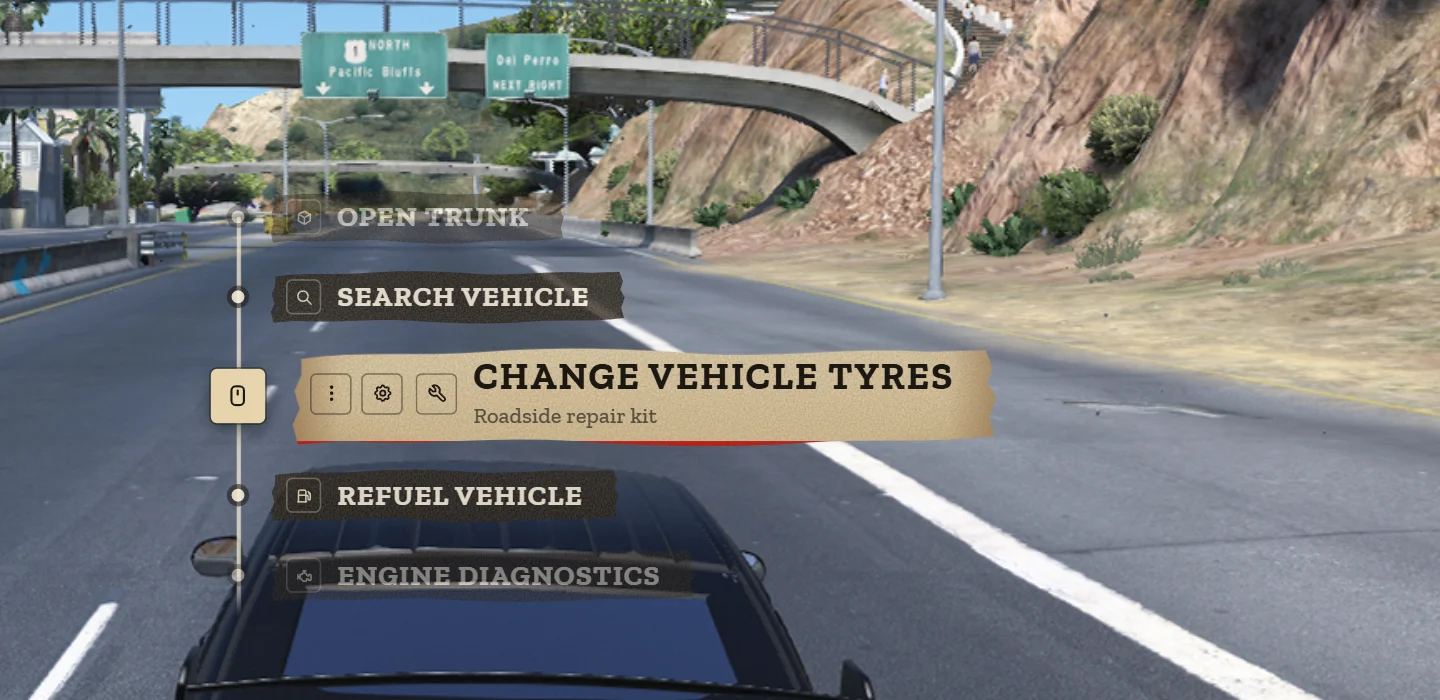
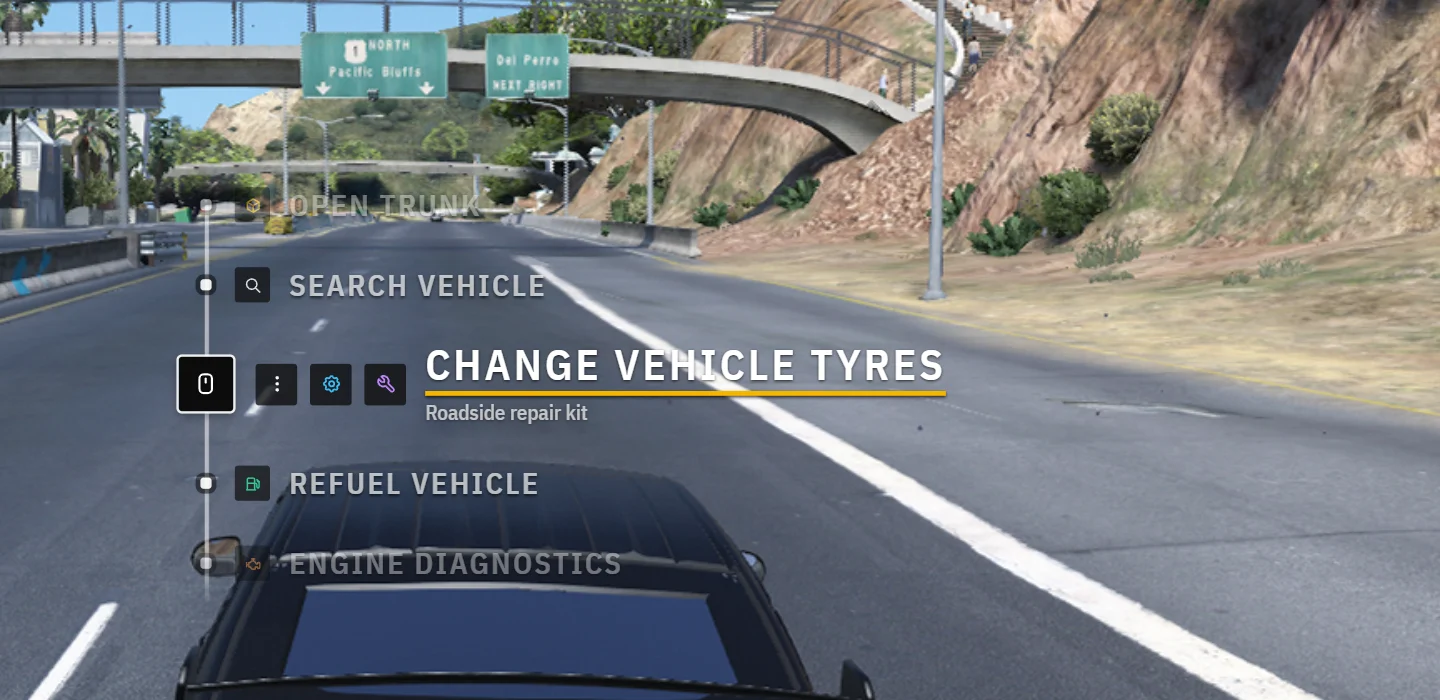
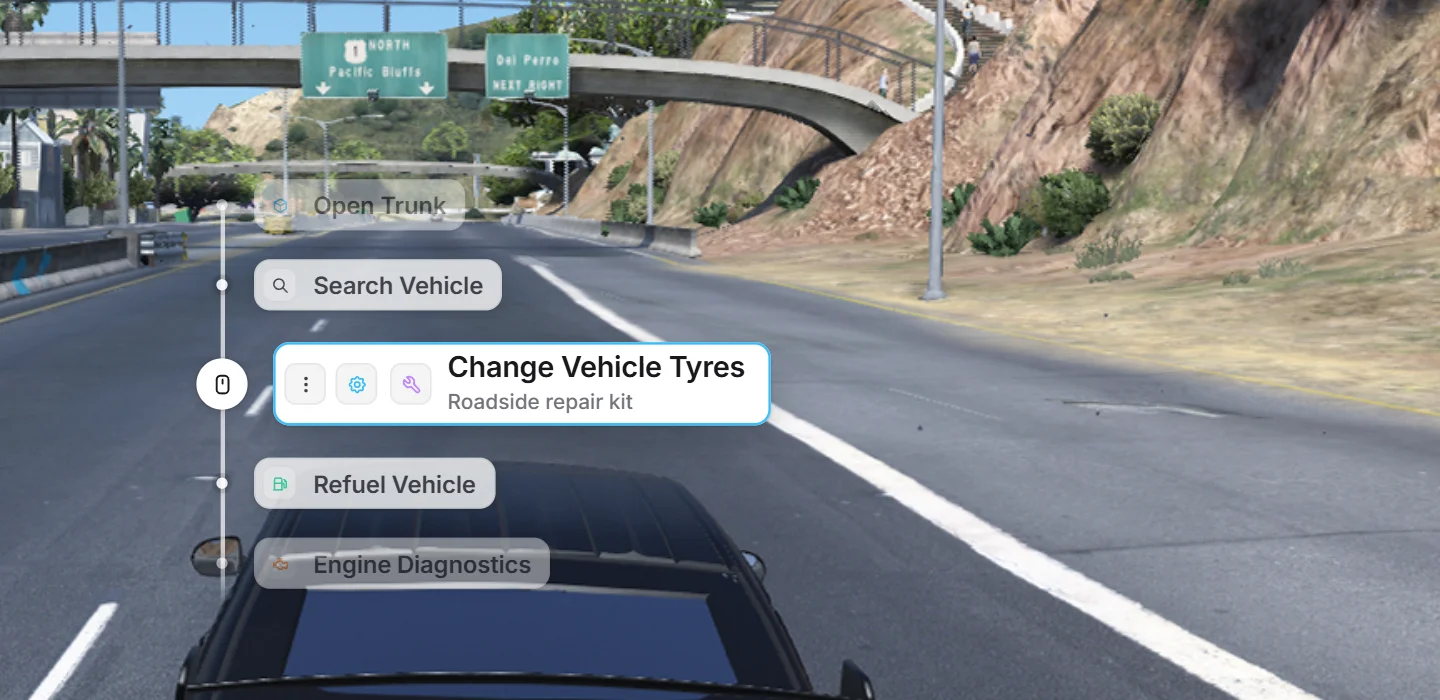
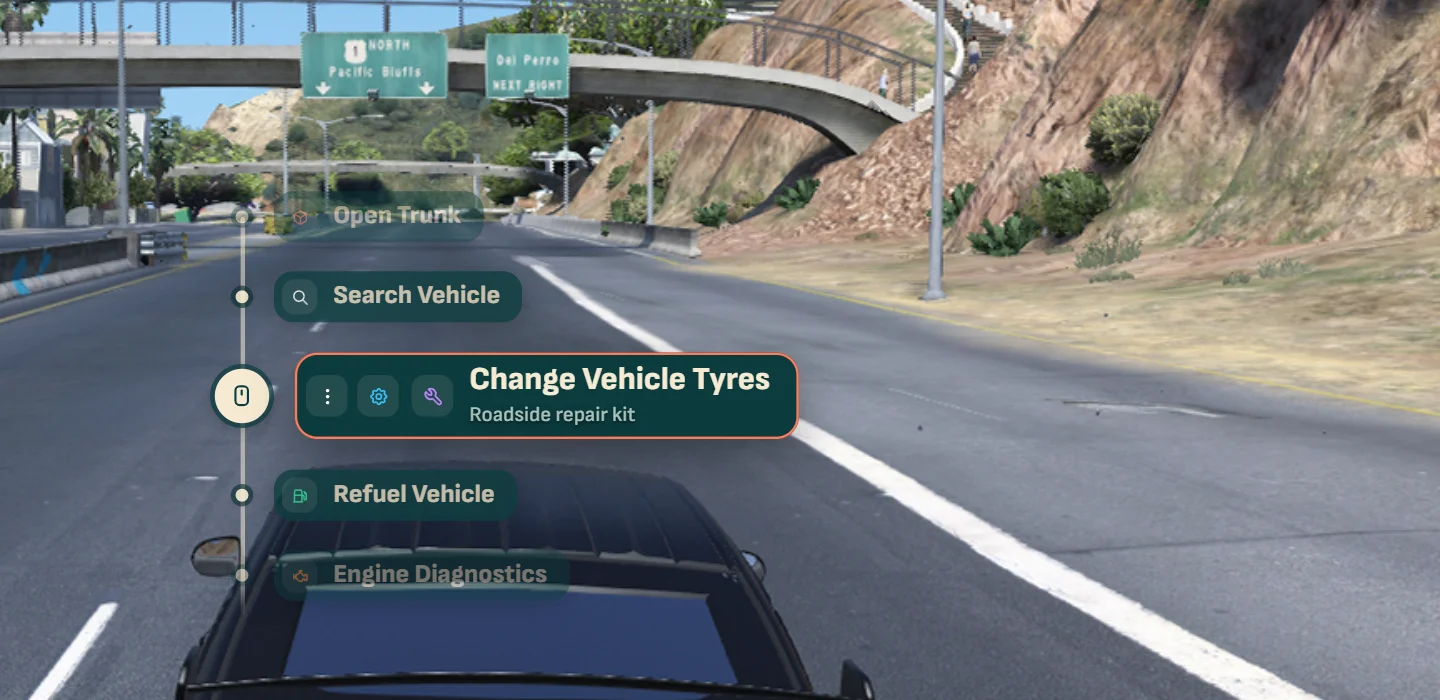
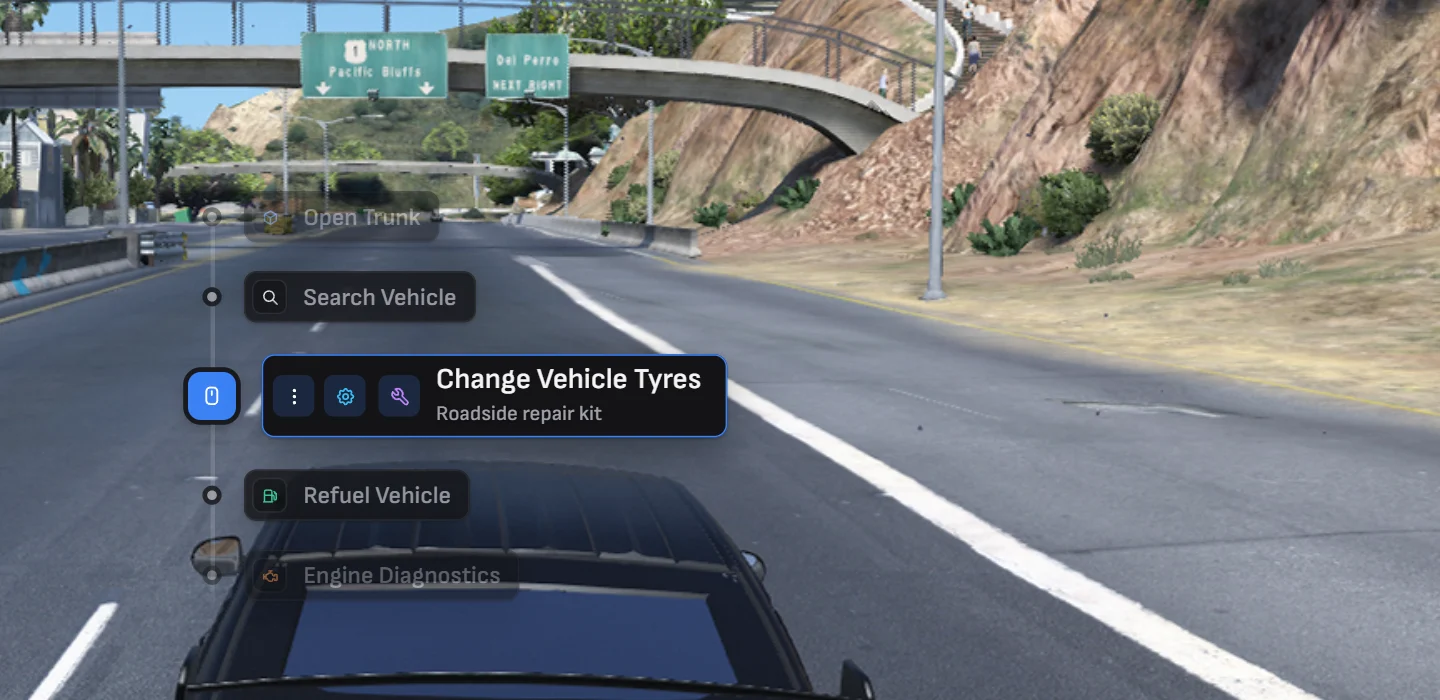
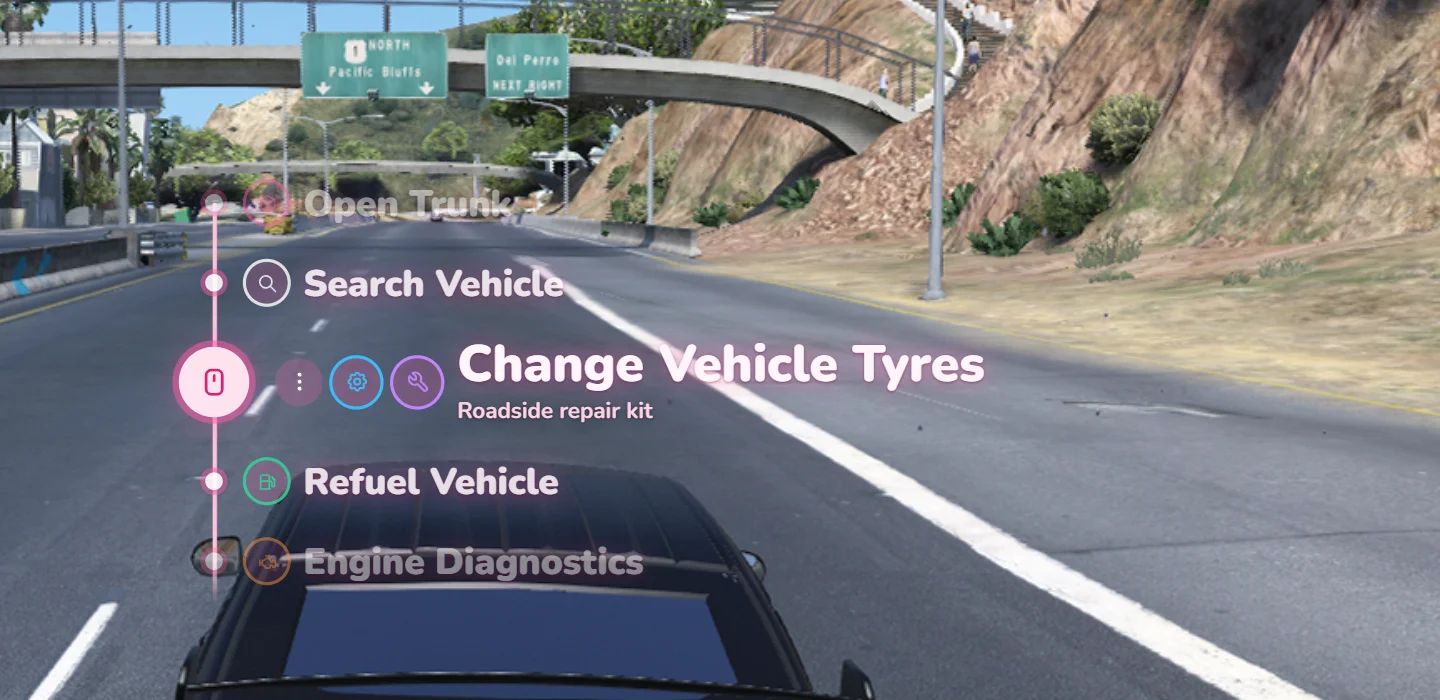
The nine looks for the menu and the four marker styles.
Pick the server's theme in /interactAdmin under Look. Players can
pick their own in /interactsettings, from the themes the admin offers. Every theme can take a
custom accent colour instead of its own.
Markers
Markers are drawn by the game itself, the way ox_target draws its sprites: they're placed in the
world in the same frame the world is drawn, so they never trail the camera. They shrink with
distance (3D markers in /interactAdmin switches that off) and show three states — far, in
reach, and the one you're aiming at, which takes the accent colour.
| Style | Far | In reach | Aimed at |
|---|---|---|---|
| Letter | Small dot | Ring with your key | Accent disc with your key |
| Ring | Thin ring | Ring with a dot | Ring with an accent dot |
| Diamond | Outline | Outline with a centre | Outline with an accent centre |
| Bracket | Corner ticks | Ticks with a dot | Ticks with an accent dot |
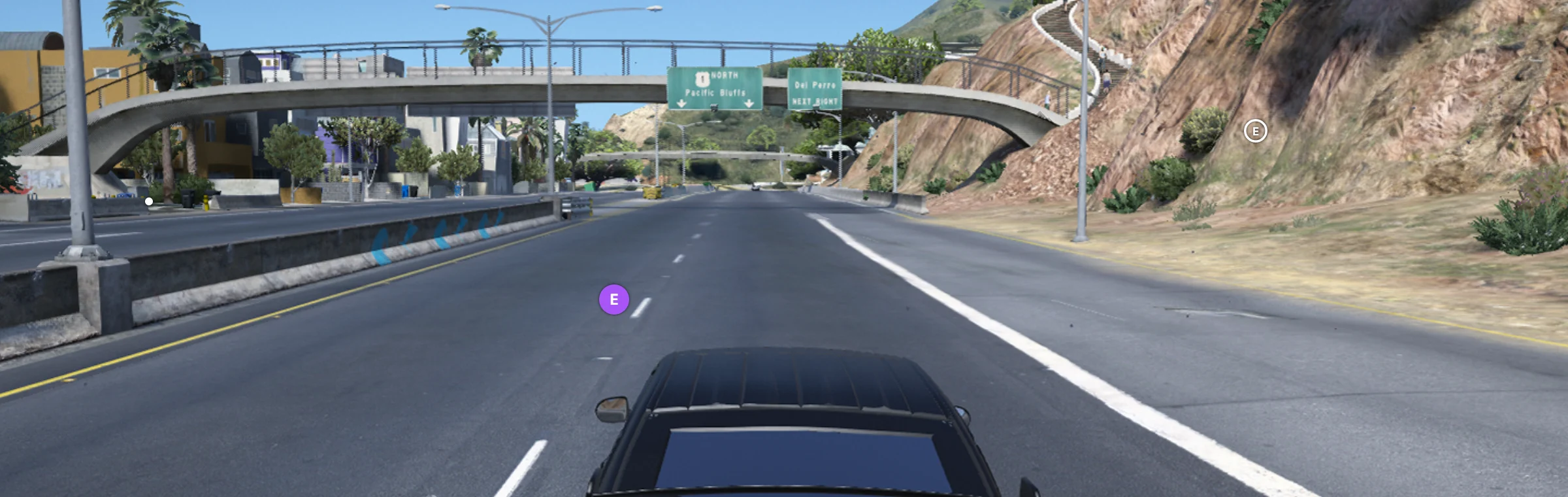
With Key prompt on, ring, diamond and bracket markers also show the bound key beside the one you're aiming at. The letter style already shows it.